
Human polish, powered by AI summaries
While AI is advancing rapidly, today’s tools still have limits—especially when it comes to producing truly lifelike architectural visuals that perform well inside VR. To bridge that gap, we offer the Artist Network: a hybrid workflow that combines AI-driven insights with expert human craftsmanship.
When you activate the Artist Network, we generate an AI-assisted project summary from your uploaded files and prompts. That summary is then used to create targeted tasks for our vetted network of professional 3D artists, who refine, optimize, and enhance your project to achieve the highest level of realism possible on Meta Quest headsets.
This service exists because real-world constraints still matter. File exporters, conversion pipelines, and headset rendering limitations often require nuanced adjustments that only experienced artists know how to make—whether that’s correcting materials, optimizing lighting, improving scale fidelity, or ensuring performance stays smooth in immersive environments.
How the Artist Network works
During project creation, after you choose a file for a variation, you’ll be prompted to tell us if you need edits. That’s where the Artist Network comes in.
We generate an AI-assisted project summary from your prompt and uploads to create clear, scoped tasks for artists.
Our vetted artists refine, optimize, and enhance the project so it looks great and runs smoothly on Meta Quest.
Fully vetted, VR-focused artists
Every artist in our network has been thoroughly vetted and trained specifically for immersive architectural visualization. They understand exactly what works—and what doesn’t—inside Meta Quest, and how to produce polished, immersive experiences that feel grounded in the real world.
Before & after examples
These are placeholders for now. Swap them with real examples when you’re ready.
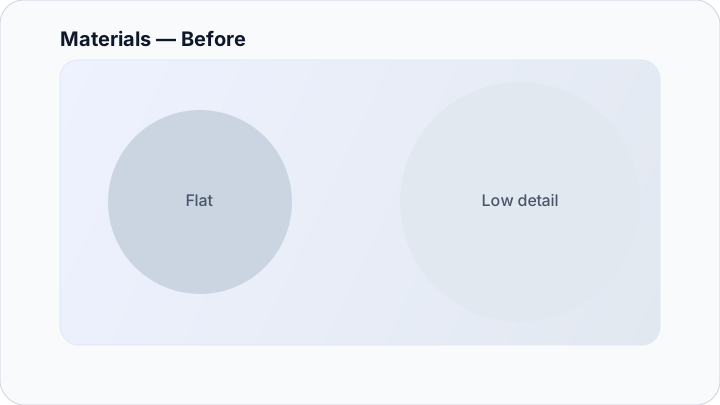
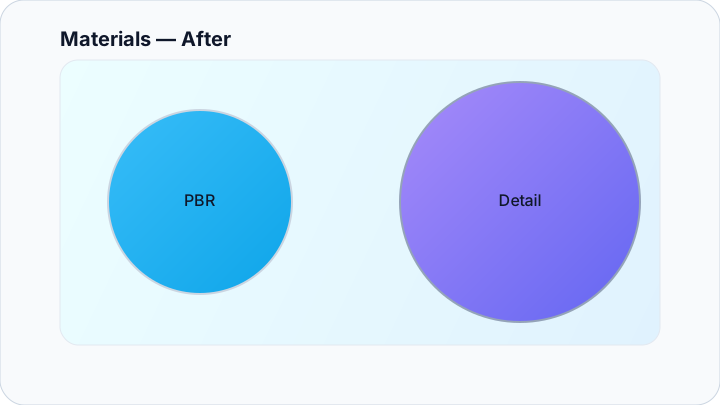
Materials
Refine PBR materials, fix UV issues, and tune textures for realism without blowing your performance budget.
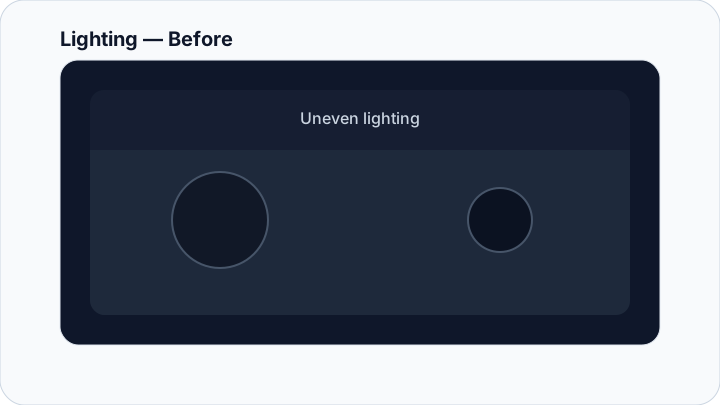
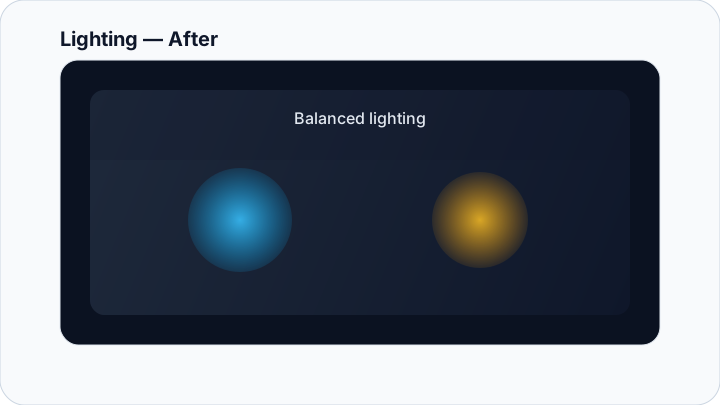
Lighting
Improve lighting balance and surface response so spaces feel grounded and consistent inside VR.
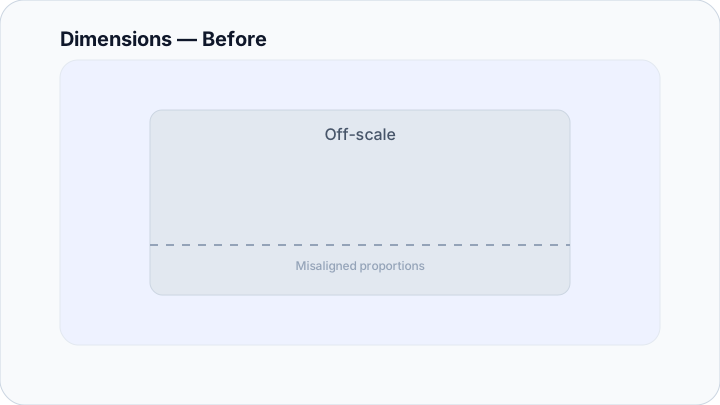
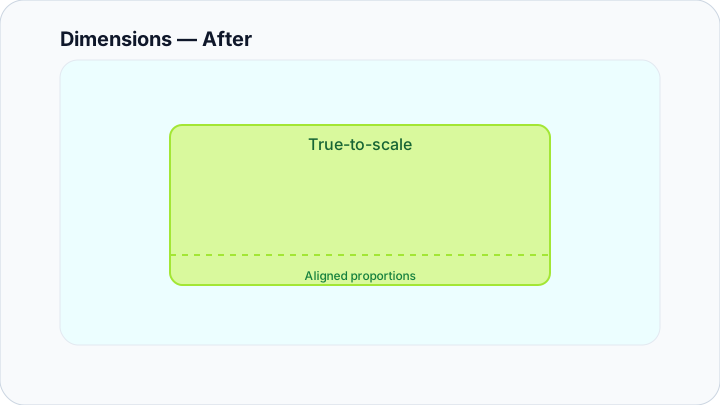
Dimensions
Validate scale and alignment so the experience matches real-world proportions when viewed on a headset.
Prefer to preview first?
If you’d like to preview your project without any artist involvement, use Try-It to upload and view your model instantly in the app before deciding whether additional refinement is right for you.
Note: This page is informational. You can link it from Pricing, the Get Started flow, or anywhere else later.